
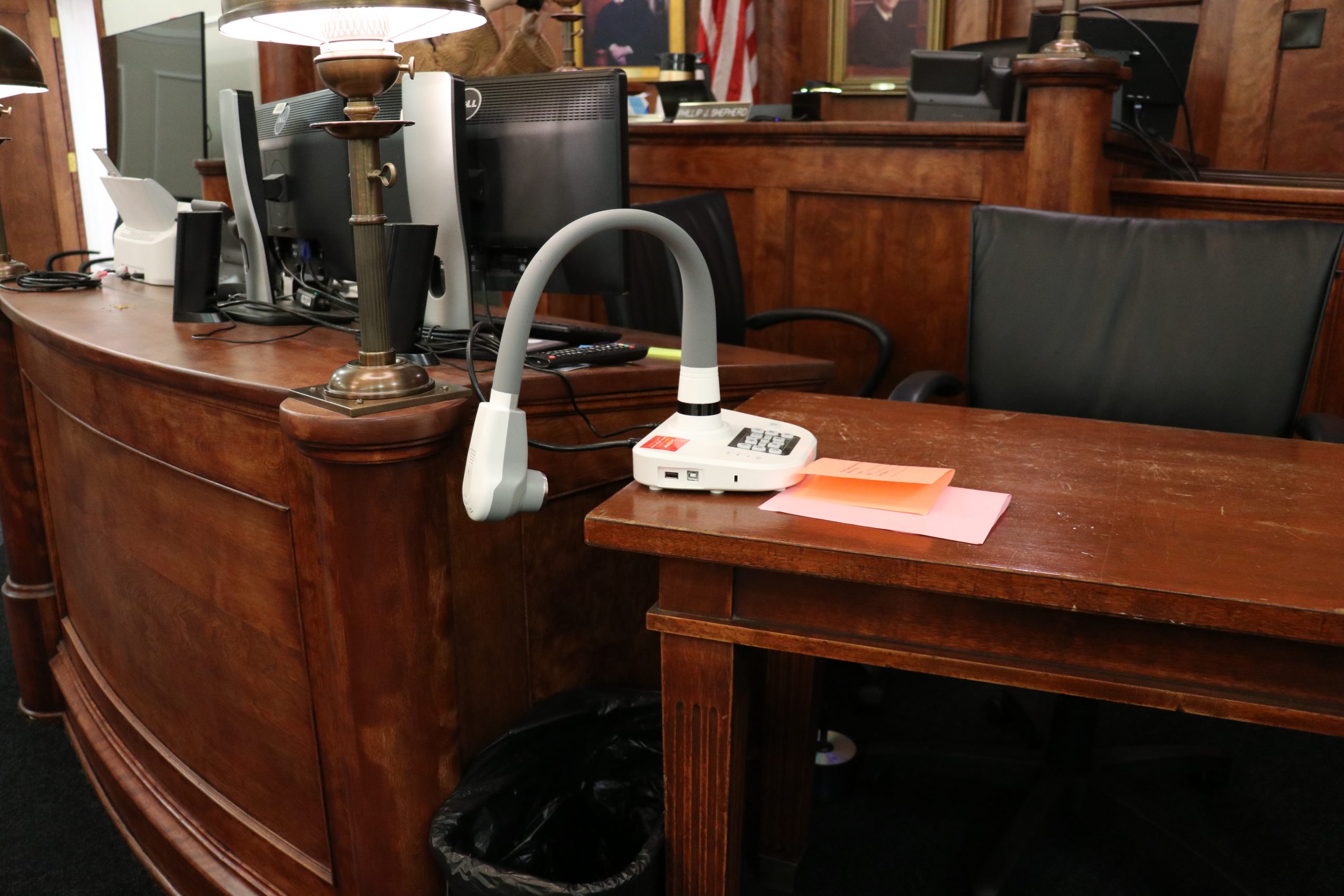
Simplified Evidence Presentation
Enhancing Courtroom Efficiency with BYOD
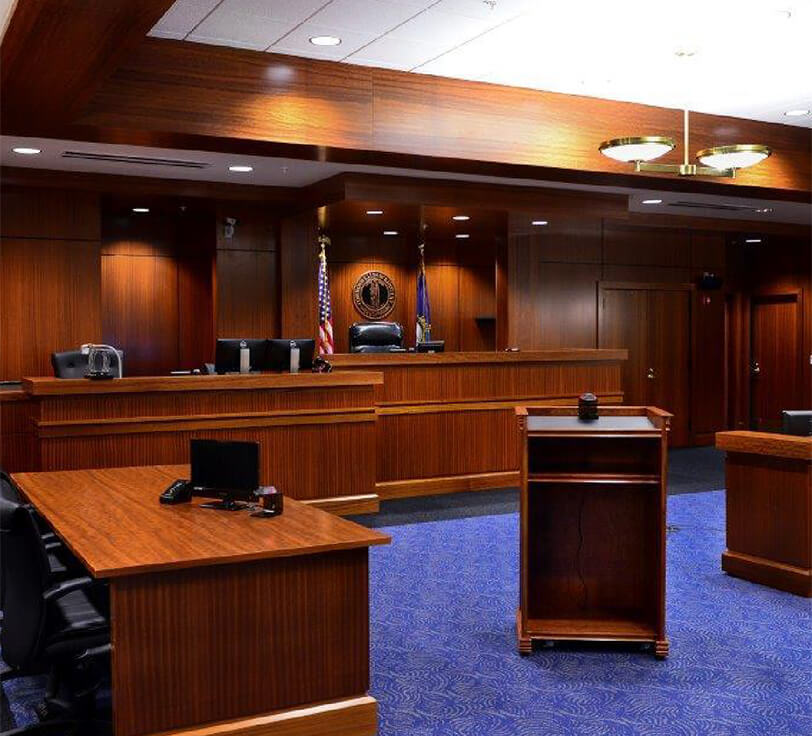
As courtrooms transition from outdated analog technology to modern digital evidence presentation systems, simplified evidence presentation has become a game-changer. With Bring Your Own Device (BYOD) capabilities, attorneys, court participants, and staff can present evidence using their own laptops, tablets, or smartphones directly to the counsel table, jury box, and display monitors throughout the courtroom.
Why Modern Courtrooms Need BYOD-Enabled Evidence Presentation
- Seamless Connectivity — Wireless laptop connection eliminates clutter and enhances efficiency.
- Real-Time Evidence Sharing — Instantly present documents, images, and videos with clarity.
- Judge Preview Feature — Helps prevent mistrials by allowing evidence review before display.
- Enhanced Presentation Tools — Touchscreens enable telestration to highlight key points on electronic exhibits.
- Optimized Courtroom Layouts — Strategically placed displays ensure smooth interactions.
- Increased Efficiency — Reduces trial delays caused by reliance on physical media.
Setting a New Standard in Justice
BYOD-driven evidence presentation is transforming the courtroom experience, offering:
- Convenience — Flexible access across multiple electronic devices.
- Security — Controlled access to sensitive evidence.
- Improved Access to Justice — Enhanced clarity and efficiency in trials.
Upgrade your courtroom today and embrace the future of evidence presentation!
How the Evidence Presentation System Works
An evidence presentation system is only as useful as its connection to the official record. When a document is displayed on a courtroom monitor, when video evidence is played for the jury box, or when a witness references a photograph shown on screen, that content needs to be captured as part of the court proceeding record.
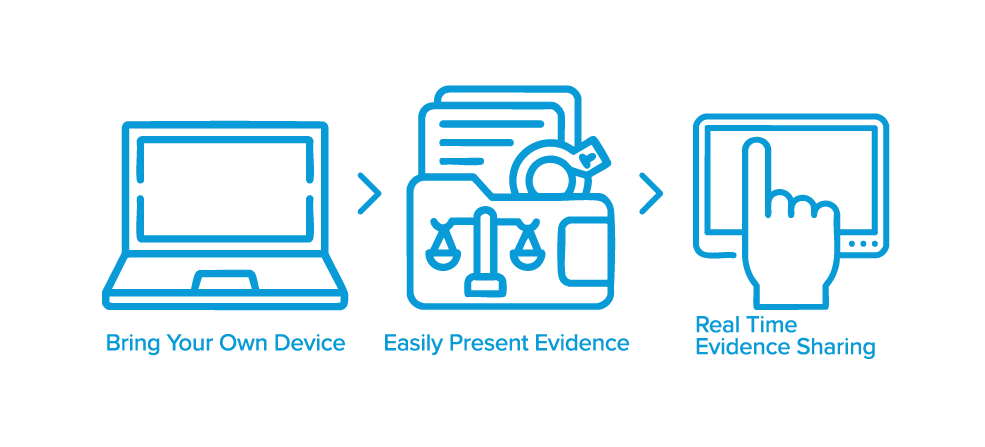
- BYOD Integration and Wireless Connectivity — Attorneys and staff connect their own electronic devices to the court’s evidence presentation system through wired or wireless laptop connections. Evidence is displayed on high definition screens throughout the courtroom in real time. The JAVS evidence presentation system is built to work alongside the JAVS Recorder 9 and Suite 9 software, so any evidence displayed through a laptop, document camera, or personal device is automatically recorded into the official A/V file. Court personnel do not need to manage a separate recording system or manually log what was shown.
- Judge Control and Preview – The presiding judge maintains full control through the Control Dock touchscreen, including the ability to preview evidence on a private display monitor before it reaches the jury box. Only approved evidence is shown to the courtroom.
- Telestration and Annotation — Presenters can annotate videos, images, and documents directly on the touchscreen to highlight key points during argument. These annotations are captured as part of the recorded file.
- Built for Complex Caseloads — This integration matters for district courtrooms handling complex cases with large volumes of electronic exhibits. Attorneys can present documents, video evidence, and images from any device, and the court’s evidence presentation equipment captures it all in a single, timestamped, searchable file. When a court reporter or transcriber prepares the record after a scheduled hearing, they have access to exactly what was displayed, not just a text note that evidence was shown.
- Training and Support — Courts that schedule a training session with JAVS during installation receive hands-on guidance for court personnel on how to operate the presentation system, manage laptop connections at the attorney table and counsel table, and use the judge preview and telestration features during a court proceeding.
Take the Next Step Toward Better Evidence Presentation
Ready to improve how your courtroom handles digital evidence presentation? Contact us to learn more and let our team help you find the right evidence presentation system for your courtroom.
Our Solutions
Hardware
JAVS designs and manufactures courtroom technology, including microphones, HD cameras, and digital mixers, built for audio and video clarity.
Software
Our web-based software controls your courtroom AV system from a single interface, simplifying recording and evidence presentation for court personnel.
Services
From professional installation and training sessions to ongoing maintenance, our team provides full support for your evidence presentation equipment and courtroom technology.
Frequently Asked Questions

Preserving the Record for Tomorrow’s Justice System
JAVS is happy to help with your AV needs.